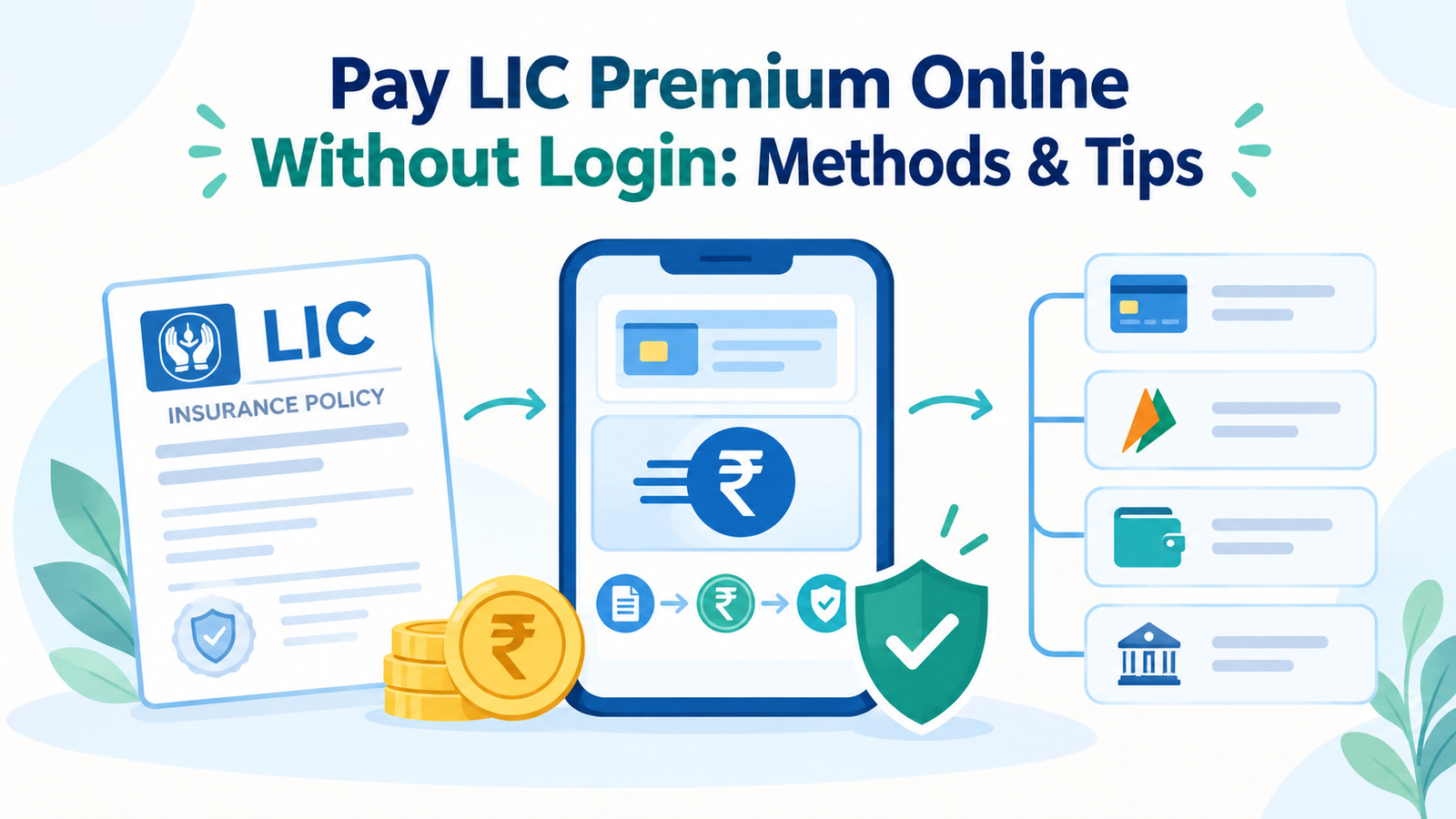
| Key Highlights You can pay your LIC premium online without creating a login session. LIC’s Pay Direct option lets you make a premium payment using your policy details. Keep your policy number, date of birth, mobile number, email ID, and premium amount ready. You can use UPI, net banking, debit cards, or credit cards for payment. LIC also provides other payment options, including WhatsApp and authorised digital payment platforms. |
Paying an insurance premium does not always require you to log in to your account. If you have an LIC policy, you can Pay LIC Premium Online Without Login through the Pay Direct option available on the official LIC website.
This can be useful when you need to pay your premium quickly and do not have your LIC account login details with you.
How to Pay LIC Premium Online Without Login?
LIC provides a Pay Direct option for customers who want to make a premium payment without logging into the portal.
Before starting, keep these details ready:
- Policy number
- Date of birth
- Mobile number
- Email ID
- Installment premium amount, excluding applicable taxes
Steps to Pay LIC Premium Through Pay Direct
Follow these steps to make the payment:
- Visit the official LIC website.
- Go to the Pay Premium Online section.
- Select Pay Direct (Without Login).
- Choose the relevant payment option, such as Renewal Premium / Revival.
- Enter your policy number and date of birth.
- Provide your registered mobile number and email ID.
- Enter the exact installment premium amount without taxes.
- Accept the declaration and submit the details.
- Select your preferred payment method.
- Complete the payment through the payment gateway.
After a successful transaction, you can download the digital receipt. A copy of the receipt is also sent to your registered email ID, subject to the applicable process.
What Payment Methods Can You Use?
Once your policy details are verified, you can choose from the available payment options.
Common options include:
- UPI
- Net banking
- Debit card
- Credit card
The payment methods available can depend on the payment gateway and the option selected.
Other Ways to Pay LIC Premium Without Login
The LIC website is not the only option. You can also use certain digital channels to pay your premium without logging into the LIC portal.
LIC WhatsApp Service
If your mobile number is registered with LIC, you can use its official WhatsApp service.
You can:
- Save the LIC WhatsApp number
- Send “Hi”
- Follow the chatbot instructions
- Check the available premium details
- Complete the payment through the available payment option
The official LIC WhatsApp service number provided in the referenced information is 8976862090.
Third-Party Payment Apps
You can also use digital payment applications such as:
- Paytm
- Google Pay
- PhonePe
Open the Insurance or Bill Pay section in the app and select Life Insurance Corporation of India. Enter the required policy details and follow the payment instructions.
Note: Before making a payment through any platform, check that you have selected the correct insurer and entered the correct policy details.
What Details Do You Need to Pay LIC Premium Online?
Having the required information ready can make the payment process quicker.
| Required Detail | Why It Is Needed |
| Policy number | Identifies your LIC policy |
| Date of birth | Used for customer verification |
| Mobile number | Required during the payment process |
| Email ID | Used for communication and receipt |
| Premium amount | Helps process the correct payment |
For the Pay Direct option, enter the premium amount as required by LIC, particularly the installment premium amount excluding taxes.
Things to Keep in Mind While Paying Online
A few checks can help you avoid payment-related problems.
- Use the official LIC website or a trusted payment platform.
- Enter your policy number carefully.
- Check the premium amount before making the payment.
- Make sure your payment has been completed successfully.
- Save or download the payment receipt.
- Check your email for the digital receipt after payment.
What If the Payment Fails?
An online payment can sometimes fail because of a technical issue, bank error, or payment gateway problem.
If this happens:
- Check whether the amount was actually debited from your account.
- Avoid making another payment immediately if the transaction status is unclear.
- Check the payment or transaction status.
- Keep the transaction reference number.
- Contact the relevant payment channel or LIC if the issue remains unresolved.
This helps prevent accidental duplicate payments.
Conclusion
You do not always need to log in to your LIC account to pay your premium. The Pay Direct option allows eligible customers to make an online payment using their policy and verification details.
You can also use LIC’s official WhatsApp service or supported digital payment apps. Whichever method you choose, check the policy details, payment amount, and transaction status before completing the payment.
Read Also:- How to Buy Insurance Online
FAQs
Can I pay LIC premium online without login?
Yes, you can use LIC’s Pay Direct (Without Login) option to pay your premium online without logging into your LIC account.
What details are required to pay LIC premium without login?
You generally need your policy number, date of birth, mobile number, email ID, and the applicable installment premium amount.
Can I pay LIC premium through UPI without login?
Yes, UPI is one of the payment methods available through the online payment process, subject to the payment options provided at the time of transaction.
Can I pay LIC premium through WhatsApp?
LIC provides an official WhatsApp service for eligible customers. If your mobile number is registered with LIC, you can use the service and follow the available payment instructions.
Can I pay LIC premium through Google Pay or PhonePe?
You can use supported digital payment applications such as Google Pay and PhonePe to pay your LIC premium. Select the insurance or bill payment option and enter the required policy details.
Do I get a receipt after paying LIC premium online?
Yes, after a successful payment through the applicable online process, you can get a digital payment receipt. The receipt can also be sent to your registered email ID, subject to the payment process.
What should I do if my LIC premium payment fails?
First check whether the amount was deducted from your account. If the transaction status is unclear, keep the transaction reference number and check the payment status before making another payment.