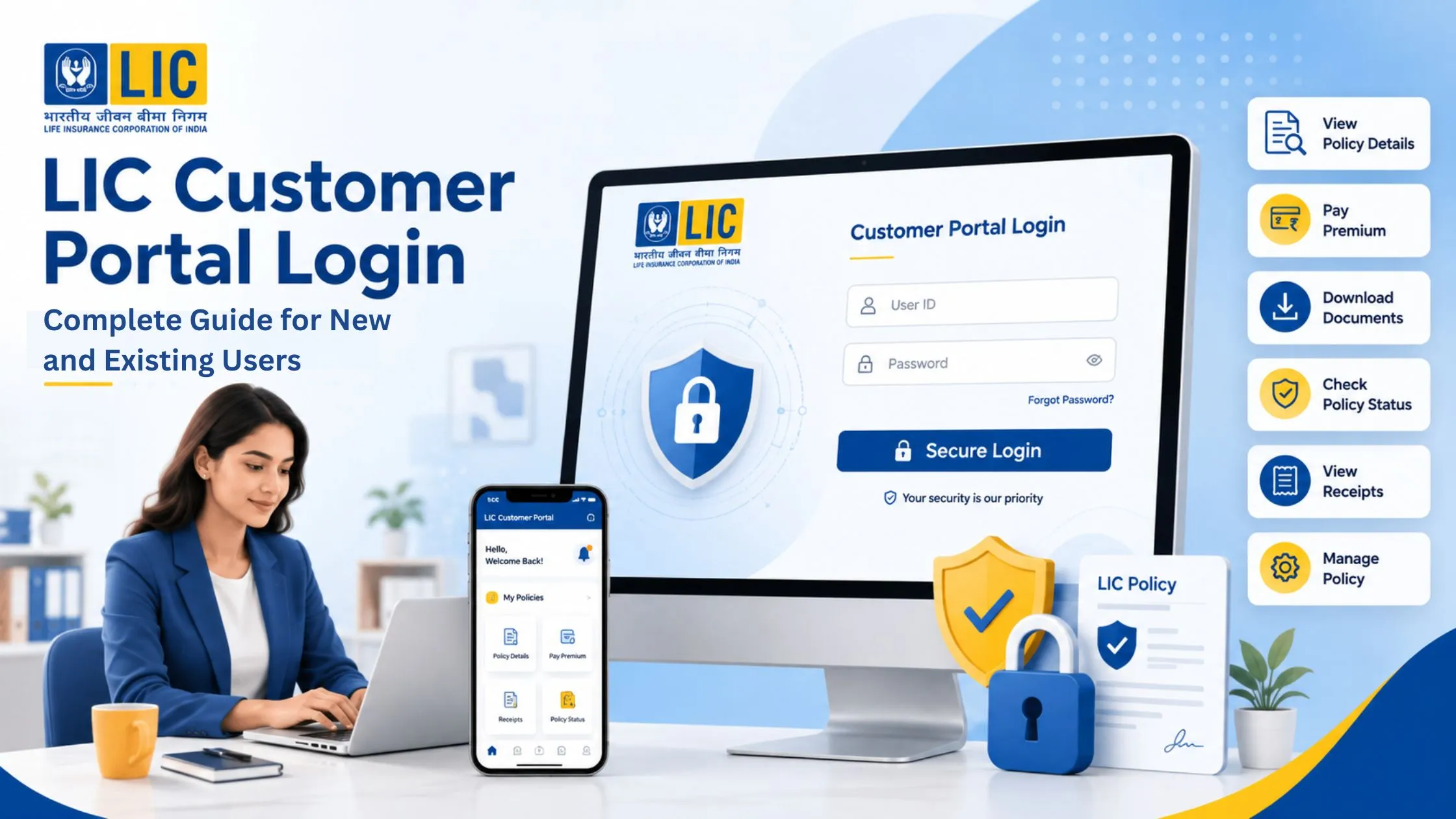
LIC is upgrading its services with each passing year. To make the customer experience simpler and more convenient, the LIC customer portal login service was introduced.
This portal helps customers log in to their account and access many useful services from the distance of a device. To know everything about the LIC login steps for customers, join us till the end of this blog.
What is the LIC Customer Portal Login?
LIC customer portal login is an online service offered by Life Insurance Corporation of India. This portal helps policyholders to manage their LIC policies online. Using this portal, you can check policy details, pay premiums, download receipts, and access important services anytime.
Steps for LIC Customer Portal Login for New Users
If you are using LIC’s online services for the first time, follow these simple steps to create your account:
- Visit the official LIC website and
- Then, click on Customer Portal under the Login section.
- Click on “New User? Sign Up”.
- Enter your policy details.
- Enter your mobile number and email ID.
- Create a user ID and password.
- Click on Proceed to complete the registration.
- Once registered successfully, you will receive a confirmation email from LIC.
- Now, you can easily login to your account.
Simple Steps for LIC Login for Existing Users
If you have already registered on the LIC portal, follow these steps to log in:
- Visit the LIC website.
- Go to the Customer Portal.
- Select Registered User Login.
- Enter your user ID and password. You can also log in using an OTP sent to your registered mobile number.
- After logging in, you can use various LIC online services.
Simple Steps for LIC Customer Portal Login for Mobile Users
You can access your LIC account on your mobile phone through the LIC app. Follow these simple steps:
- Download the LIC app from the Google Play Store or Apple App Store.
- Open the app and tap on Login.
- If you are a new user: Select New User, enter your policy details, and create a user ID and password.
- If you are already registered: Enter user ID and password to log in.
- Forget the password: Click on Forgot Password and reset it using the registered mobile number or email ID.
- After logging in, you can check policy details, pay premiums, and track claims.
Recommendations While Using the LIC Customer Portal Login
Follow these simple tips to avoid login issues on the LIC Customer Portal:
- Enter the correct user ID and password.
- Reset the password if you cannot remember your login details.
- Make sure your internet connection is working properly.
- Use an updated web browser and clear the cache if the portal is not loading.
- Keep your registered mobile number active to receive OTPs.
- Refresh the page or try another device if the login page is not responding.
- If the portal is under maintenance, wait for some time and try again later.
Conclusion
The LIC Customer Portal makes it easy to manage your insurance policies online. Whether you want to check policy details, pay premiums, download documents, or track claims, you can do it all from your computer or mobile phone. By registering and keeping your login details secure, you can access LIC services anytime.
FAQs
How do I log in to the LIC Customer Portal?
Visit the LIC website, open the Customer Portal, and enter your user ID and password to log in.
Can I access the LIC Customer Portal on my mobile phone?
Yes, you can use the LIC mobile app or the LIC website on your smartphone.
What should I do if I forget my LIC login password?
Click on Forgot Password and follow the instructions to reset it. To do this, you can use your registered mobile number or email ID.
Do I need to register before using the LIC Customer Portal?
Yes, first-time users need to register by providing their policy details and creating login credentials.
What services can I access through the LIC Customer Portal login?
You can check policy details, pay premiums, download documents, and track claims.
1 thought on “LIC Customer Portal Login: Complete Guide for New and Existing Users”